
General Settings
The General Settings page in VpAdmin provides a centralized location to manage global settings for your platform. Currently, it includes a setting for email notifications, which allows you to enable or disable automatic email alerts for new orders placed on your websites.
Overview
The General Settings page allows you to:
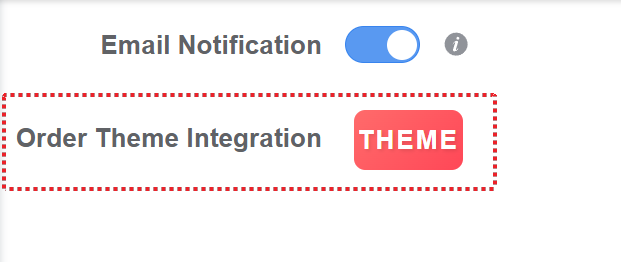
Control Email Notifications: Enable or disable automatic email notifications for new orders placed on your websites.

Order Theme Integration: If you would like to use your own custom website theme or integrate a different public theme with VpAdmin, you can purchase the theme integration service. For more details, please refer to Purchasing Integrated Private or Shared Themes.


Email Notification Details
How Notifications Work: When the automatic email notification feature is enabled, VpAdmin will send you an email notification upon successful creation of a payment confirmation.
Spam Folder Check: If you do not receive an email, please check your spam folder, as email providers may misclassify them.
Marking as "Not Spam": Marking the email as "not spam" ensures that you receive future order notifications directly in your inbox, instead of being sent to spam or junk folders.